Calendarize
- Type
- Product
- Built with
- JavaScript
- Source
- Private repository
- Live at
- calendarize.ai
Overview
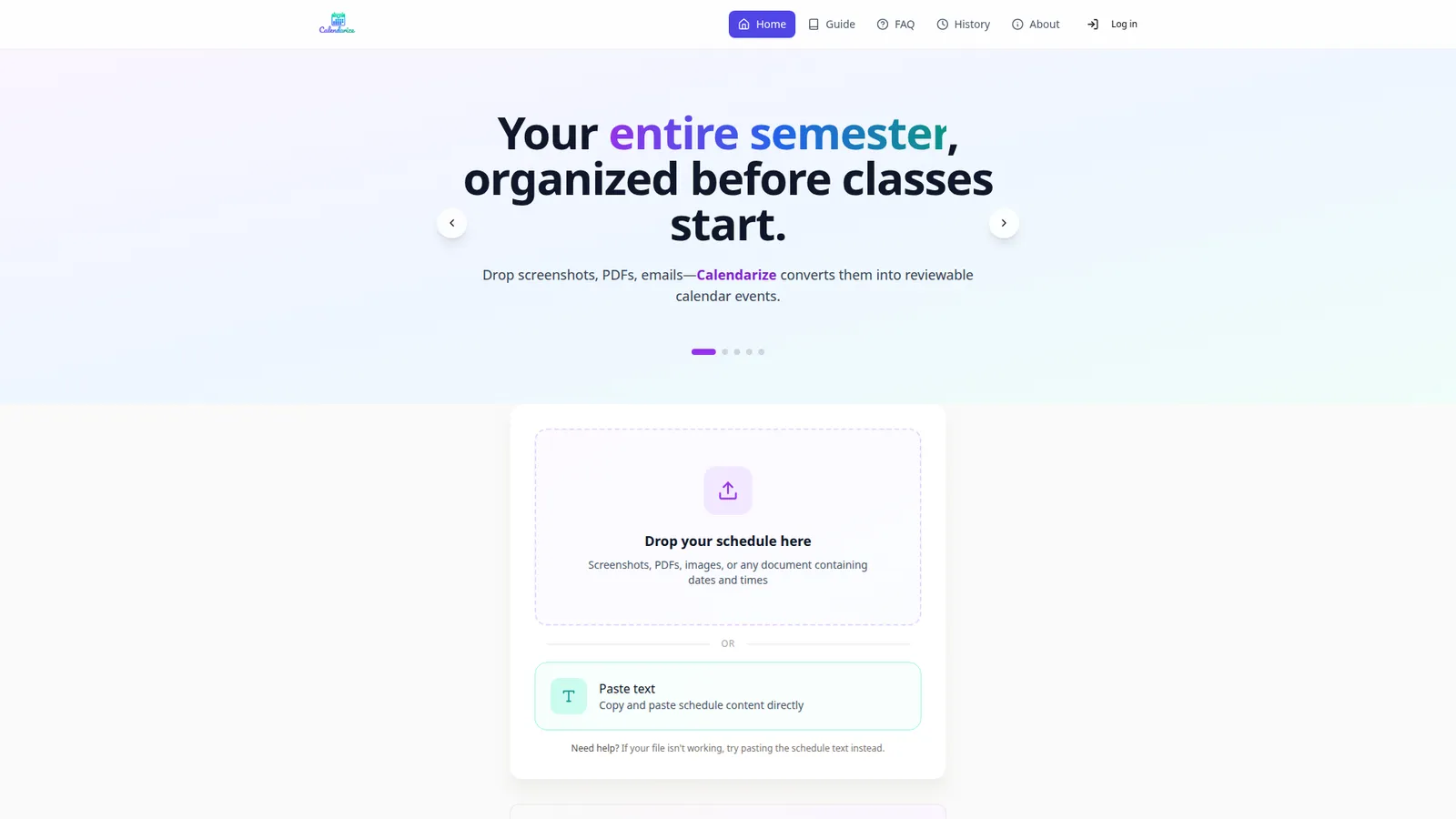
A schedule-to-calendar converter that extracts structured events from unstructured sources — screenshots, PDFs, images, emails or pasted text — and exports them as standard calendar files.
Core features
Multi-format ingestion via drag-and-drop upload or direct text paste; AI-driven extraction of dates, times, titles and locations from documents with no fixed layout; a mandatory review stage where every proposed event can be edited, adjusted or removed before anything is committed; .ics export compatible with Google Calendar, Apple Calendar and Outlook; optional accounts that persist conversion history; guest use with no signup required.
Architecture
A Next.js application pairing an LLM extraction pipeline (OpenAI) with Zod schema validation, so model output is parsed into a typed event structure and rejected when it does not conform — keeping malformed AI responses out of the database. Prisma manages persistence for user accounts and saved conversion history; Tailwind and Framer Motion handle the review interface, where clarity matters more than density because users are verifying machine output against a source document.
The product's defining constraint is that extraction results are never written directly to a calendar. The AI proposes; the user confirms. This is a deliberate design decision rather than a limitation — an incorrect event silently added to a real calendar is worse than no automation at all, because it removes the user's reason to double-check.
Frameworks, tools & libraries
The stack behind it
Frameworks
- Next.js
- React
- Tailwind CSS
Tools & infrastructure
- OpenAI API
- PostgreSQL
- Stripe
- Docker
- Nodemailer
Libraries
- Prisma
- Zod
- TanStack Query
- Framer Motion
- jose
- pdf-parse
Skills applied
What I brought to it
- 01
AI/LLM document parsing and structured extraction (OpenAI)
- 02
OCR / multi-format ingestion (images, PDFs, plain text)
- 03
iCalendar (.ics) generation and cross-platform calendar compatibility
- 04
Review-before-commit UX to prevent bad calendar writes
- 05
Schema validation (Zod), database modelling with Prisma
- 06
Animation and interaction design (Framer Motion)
Languages
What it's written in
- JavaScript / JSX~132 files
primary application code
- TypeScript
typed modules
- SQL
schema and migrations
- CSS
styling
Next project
Khan Enterprise
Fire Safety Equipment